What is Proxy in JavaScript?

An proxy object wraps another item and captures tasks like perusing/composing properties and some essential activities.
const proxy = new Proxy(target, handler);
Proxy is created with two parameters.
- Target: Original object which you want to proxy.
- Handler: Object that defines which operations to intercept and redefine the intercepted operation.
EXAMPLE
const target = {
    name: "Rahul",
    place: "MH"
};
const handler = {};
const proxy = new Proxy(target, handler);
console.log(proxy.place);
// Rahul
console.log(proxy.place);
// MH
If the handler object is empty, then the proxy behaves just like the original target object. To customize Proxy we should define functions in handler.
Get Handler Method
get() method intercept when there is an attempt to read the properties of target object.
const person = {
    name: "Rahul",
    place: "MH"
};
const handler = {
    get: function(target, prop) {
        return prop in target ? target[prop]
            : "Invalid Prop"
    }
};

const newPerson = new Proxy(person, handler);
console.log(newPerson.name);
// Rahul
console.log(newPerson.age);
// Invalid Prop
Set Handler Method
set() method intercept when there is an attempt to write a property to target object.
const person = {
    name: "Rahul",
}
const handler = {
    set: function(target, prop, value) {
        if (prop === 'age') {
            if (value < 100) {
                target[prop] = value;
            } else {
                throw new RangeError("Invalid age")
            }
        }
    }
};
const newPerson = new Proxy(person, handler);
newPerson.age = 25;
console.log = 25;
console.log(newPerson.age); // 25
newPerson.age = 110; // Throws an Exception
Thanks For Reading 🍰
Removal.AI - [SPONSOR]
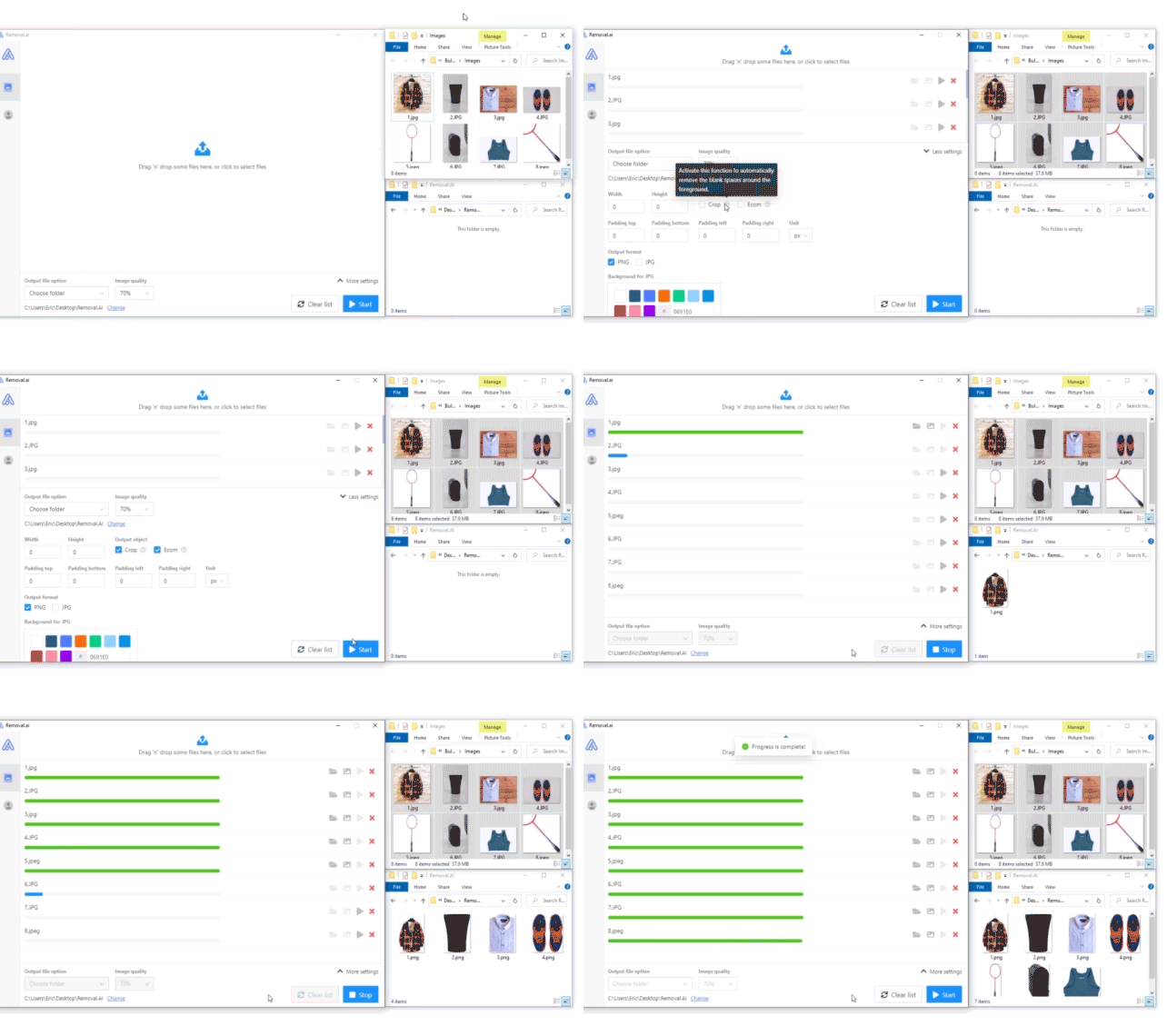
Remove background from multiple images in a single upload straight to your desktop using Bulk Photo Background Remover for Windows.
- ✅ Drag & Drop Multiple Images
- ✅ Optimize Product Images
- ✅ Select Your Background
- ✅ Set Your Output Size
- ✅ Exceptional Results
Visit -> Removal AI


